How to Automate Invoice Processing for Your Small Business
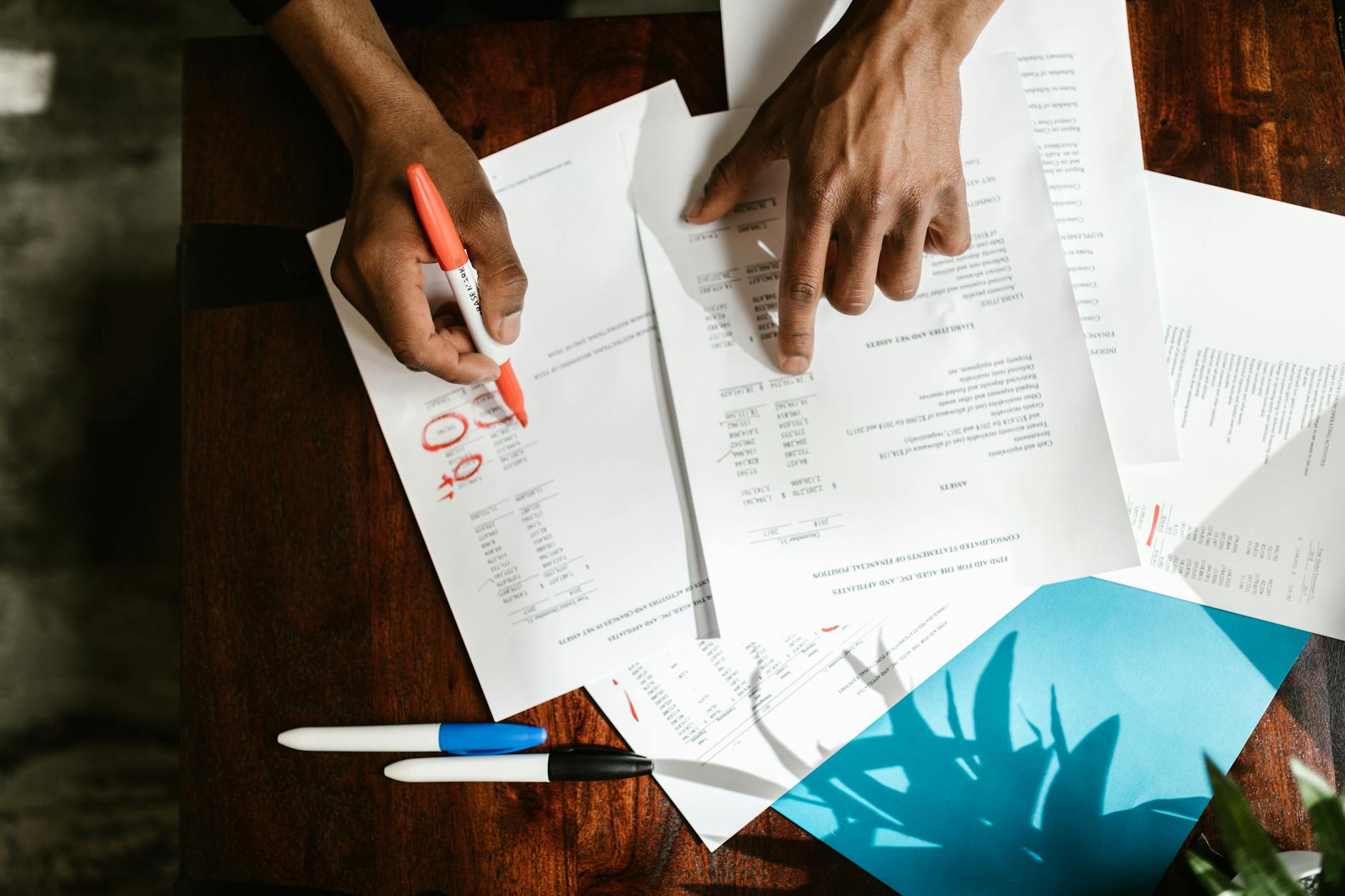
A client of mine opened his inbox one Monday morning and counted 23 supplier invoices.
PDFs. Photos from a phone. A couple of Word docs someone had apparently emailed as attachments.
He spent 40 minutes entering them into his accounting system by hand. Every week. Without fail.
Sound familiar?
Here's the thing: manual invoice processing costs UK small businesses an average of £15 per invoice in staff time. Automated processing drops that to under £1, according to recent research across UK SMEs. If you're handling even 50 invoices a month, that's the difference between £750 and £50 in lost hours.
This is a guide to how you actually automate invoice processing as a small business - not a list of software tools. The step-by-step of how it works and how to get it running.
Why Manual Invoice Processing Is COSTING You More Than You Think
Manual data entry is deceptively expensive.
Not just in money. In attention. In errors. In the freaking pile of things that build up when you're too busy to get to them.
According to research by Parseur and Artsyl, it takes an average of 17.4 days to process a single invoice manually when you factor in approvals, corrections, and reconciliation. And 39% of manually processed invoices contain at least one error, each of which costs up to £40 to fix when you count the time chasing it down.
McKinsey research backs this up. Companies using document automation report a 30-50% reduction in manual processing time across document-heavy workflows.
The real problem isn't the 40 minutes. It's the accumulated version of that 40 minutes across every week of the year.
Old me: let it pile up, deal with it at month end, curse myself out for three hours.
New me: the invoices go in, get read, get classified, get routed. Automatically.
What "Automating Invoice Processing" Actually Means
I know what you're thinking. "I just need better accounting software."
Maybe. But that's not where the bottleneck is.
The bottleneck is BEFORE the accounting software.
It's the messy input stage. The invoice arrives as a blurry scan. Or in an email with no subject line. Or as a WhatsApp photo from the supplier who still doesn't know what a PDF is. Your accounting software can't do much with that.
Automating invoice processing means building a system that handles:
Capture - collecting invoices wherever they arrive (email, WhatsApp, post, portal)
Extraction - reading the key fields automatically (supplier name, amount, VAT, date, PO reference)
Classification - knowing what type of invoice it is and where it belongs
Routing - sending it to the right place (accounting system, approval queue, deal folder)
That's the pipeline. Get that right and your accounting software just does its job.
How to Automate Invoice Processing: Step by Step
Step 1: Audit How Invoices Actually Arrive
Before you build anything, spend 20 minutes mapping where your invoices come from.
Email? Which address? Multiple addresses?
Scanned post? Who scans them and where do they go?
Supplier portals? How many?
Write it down. The chaos is usually smaller than it feels when you can see it on paper. Most small businesses have 2-3 main invoice channels. That's what you're solving for.
Step 2: Set Up a Single Capture Point
Pick one place every invoice lands before processing begins.
A dedicated email address works well for most small businesses. Something like invoices@yourdomain.co.uk. Tell every supplier to use it. Set up a forwarding rule if invoices currently scatter across multiple inboxes.
This one step alone eliminates a huge chunk of the chaos. You can't automate what you can't find.
Step 3: Extract the Data Automatically
Once invoices land in one place, you need something that reads them.
Modern document extraction handles PDFs, scanned images, and even handwritten invoices with reasonable accuracy. It pulls supplier name, invoice number, date, total, VAT amount, and line items into structured data you can actually use.
You don't need a massive enterprise system for this. There are tools that do this well for small volumes. The right choice depends on your volume, your existing accounting software, and how messy your invoice formats tend to be.
A client of mine opened his inbox one Monday morning and counted 23 supplier invoices.
PDFs. Photos from a phone. A couple of Word docs someone had apparently emailed as attachments.
He spent 40 minutes entering them into his accounting system by hand. Every week. Without fail.
Sound familiar?
Here's the thing: manual invoice processing costs UK small businesses an average of £15 per invoice in staff time. Automated processing drops that to under £1, according to recent research across UK SMEs. If you're handling even 50 invoices a month, that's the difference between £750 and £50 in lost hours.
This is a guide to how you actually automate invoice processing as a small business - not a list of software tools. The step-by-step of how it works and how to get it running.
Why Manual Invoice Processing Is COSTING You More Than You Think
Manual data entry is deceptively expensive.
Not just in money. In attention. In errors. In the freaking pile of things that build up when you're too busy to get to them.
According to research by Parseur and Artsyl, it takes an average of 17.4 days to process a single invoice manually when you factor in approvals, corrections, and reconciliation. And 39% of manually processed invoices contain at least one error, each of which costs up to £40 to fix when you count the time chasing it down.
McKinsey research backs this up. Companies using document automation report a 30-50% reduction in manual processing time across document-heavy workflows.
The real problem isn't the 40 minutes. It's the accumulated version of that 40 minutes across every week of the year.
Old me: let it pile up, deal with it at month end, curse myself out for three hours.
New me: the invoices go in, get read, get classified, get routed. Automatically.
What "Automating Invoice Processing" Actually Means
I know what you're thinking. "I just need better accounting software."
Maybe. But that's not where the bottleneck is.
The bottleneck is BEFORE the accounting software.
It's the messy input stage. The invoice arrives as a blurry scan. Or in an email with no subject line. Or as a WhatsApp photo from the supplier who still doesn't know what a PDF is. Your accounting software can't do much with that.
Automating invoice processing means building a system that handles:
Capture - collecting invoices wherever they arrive (email, WhatsApp, post, portal)
Extraction - reading the key fields automatically (supplier name, amount, VAT, date, PO reference)
Classification - knowing what type of invoice it is and where it belongs
Routing - sending it to the right place (accounting system, approval queue, deal folder)
That's the pipeline. Get that right and your accounting software just does its job.
How to Automate Invoice Processing: Step by Step
Step 1: Audit How Invoices Actually Arrive
Before you build anything, spend 20 minutes mapping where your invoices come from.
Email? Which address? Multiple addresses?
Scanned post? Who scans them and where do they go?
Supplier portals? How many?
Write it down. The chaos is usually smaller than it feels when you can see it on paper. Most small businesses have 2-3 main invoice channels. That's what you're solving for.
Step 2: Set Up a Single Capture Point
Pick one place every invoice lands before processing begins.
A dedicated email address works well for most small businesses. Something like invoices@yourdomain.co.uk. Tell every supplier to use it. Set up a forwarding rule if invoices currently scatter across multiple inboxes.
This one step alone eliminates a huge chunk of the chaos. You can't automate what you can't find.
Step 3: Extract the Data Automatically
Once invoices land in one place, you need something that reads them.
Modern document extraction handles PDFs, scanned images, and even handwritten invoices with reasonable accuracy. It pulls supplier name, invoice number, date, total, VAT amount, and line items into structured data you can actually use.
You don't need a massive enterprise system for this. There are tools that do this well for small volumes. The right choice depends on your volume, your existing accounting software, and how messy your invoice formats tend to be.

Step 4: Route Automatically
Here's where you get the time back.
Once data is extracted, the system decides what happens next. Does it need approval? Goes to the right person. Is it a recurring supplier? Matches automatically and posts. Is something missing or unclear? Flags it for human review instead of silently getting it wrong.
The goal is: invoices that need no human attention get handled. Invoices that DO need attention surface clearly.
That distinction saves hours every week.
Step 5: Make Every Invoice Searchable
This is the part most people skip. And it's where they lose serious time later.
Six months from now, your accountant asks: "Can you pull all invoices from Supplier X between January and March?" If those invoices are sitting in a folder somewhere, you're doing a manual search. If the data was extracted and indexed when the invoice arrived, you've got the answer in seconds.
Think of it as building a searchable record of every transaction your business has ever touched. Every supplier. Every amount. Every date. Accessible without digging through folders or scrolling through email archives.
That's the real payoff. Not just less admin now. A clean financial picture you can actually query later.
What This Actually Looks Like in Practice
We built this for a client handling a high volume of deal-related invoices alongside his main business documents.
Before: invoices sat in email until someone had time. That someone was usually him.
After: everything that hits the inbox gets read, classified, and filed in under three minutes. Recurring suppliers are matched automatically. Anything unusual gets flagged. His accountant now pulls whatever she needs without asking him first.
He described it as "finally having an office manager who doesn't take holidays."
The build took less than a week. The tools cost a fraction of what they were spending on lost time. See more on real results in our document workflow automation case study and the broader ROI of document automation for small businesses.
Frequently Asked Questions
What does it cost to automate invoice processing for a small business?
It depends heavily on volume and complexity, but most small businesses processing 50-200 invoices per month can get a working system for under £200 per month in tooling costs. Custom-built systems often cost less than off-the-shelf enterprise platforms and handle your specific workflow instead of a generic one. The key comparison is that cost against the £15 per invoice you're currently spending in staff time.
Can I automate invoice processing without changing my accounting software?
Yes. The automation system sits upstream of your accounting software and feeds into it. Whether you use Xero, QuickBooks, Sage, or anything else, the capture, extraction, and classification step works independently. You keep the accounting tool you already know; you just stop manually entering everything into it.
What types of invoices can be processed automatically?
PDFs, scanned documents, images (JPG, PNG), and email attachments are all handled by modern extraction tools. Even handwritten or non-standard formats can be read with reasonable accuracy. The trickier formats - blurry scans, invoices with no clear structure - may still need a human check, but the system flags those rather than guessing.
How long does it take to set up invoice automation?
For most small businesses, a basic working system takes one to two weeks from start to finish. That includes setting up the capture point, configuring extraction, connecting to your accounting software, and testing against real invoices. More complex setups - multiple entities, multiple currencies, approval chains - take longer, but the core pipeline is usually fast.
Is invoice automation safe and compliant for UK businesses?
Yes, when set up correctly. Reputable systems store data securely, maintain audit trails, and support GDPR compliance. For UK businesses, look for systems that keep data within UK or EU servers. The compliance piece is important but not complicated - it mainly comes down to choosing the right infrastructure and making sure the data you're collecting is documented.